Screenshots to clipboard
A screenshot taken on Android arrives on Windows ready to paste — and PC captures land on your phone.
Clipboard, screenshots and files between Android and Windows over your local network — no complicated setup.
Microsoft Store
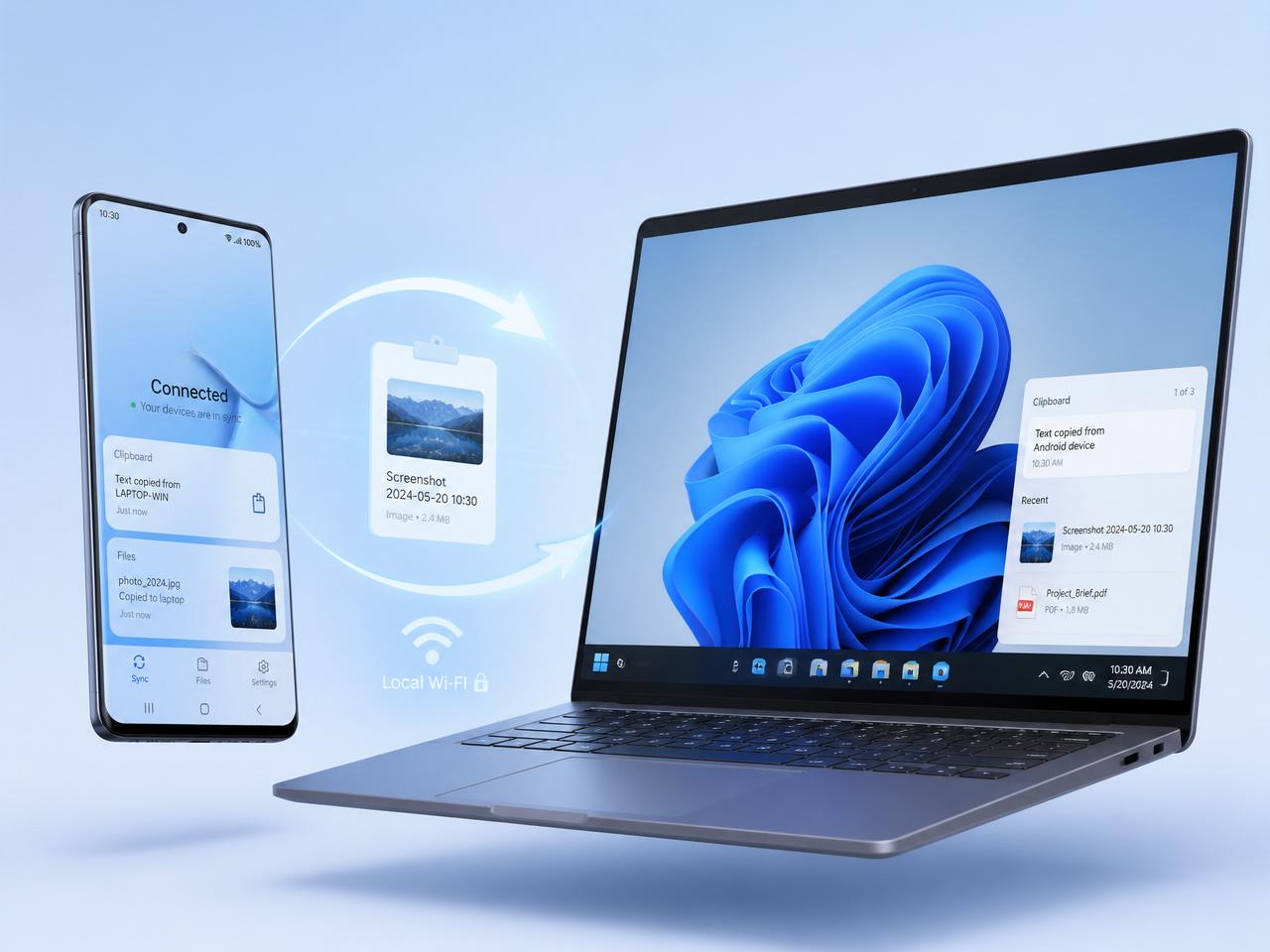
Clipboard
Text & screenshots ready to paste.
Files
Send between PC and phone with progress.
Local QR
Pair fast on the same network.
Made for everyday use
A screenshot taken on Android arrives on Windows ready to paste — and PC captures land on your phone.
Send one or many files between devices and keep a clear history of every batch.
The PC app shows text and screenshot thumbnails to copy or drag whenever you need them.
Installation
The installer creates shortcuts, registers LocalClip in Windows and requires no manual .NET setup.
Private by design
LocalClip transfers happen directly between your phone and PC on the same Wi-Fi. If you do not have a shared network, direct mode lets your PC create its own access point (an ad hoc network) that your phone joins by scanning the QR code. No cloud account required to move your clipboard, screenshots and files.
Android + Windows
Professional .NET 8 installer. QR pairing, file sending, and a history with Text and Captures tabs.
Scan to connect, send files, manage history and use the built-in LocalClip Board keyboard.
FAQ
Yes. The Windows app is free to download and install from this page.
Yes — install the Windows app on your PC and use the LocalClip Android app to pair via QR.
No. Transfers happen over your local network between your phone and PC.
The installer is a self-contained Windows x64 build and does not require installing .NET manually.